

Joining a gym or booking a first class takes a bit of courage. People arrive at a fitness website wondering: Is this for someone like me? What’s the class actually like? How much does it cost, and can I cancel? The best gym websites answer those questions honestly, then make the first step feel easy.
We looked at big-box gyms, boutique studios and luxury health clubs in the US and UK, and picked 10 websites that do this well. For each one, we point out the specific idea worth borrowing for your own gym or studio website.
At a glance
| Gym or studio | Type | What to borrow |
|---|---|---|
| Barry’s | HIIT studios, global | A clear explanation of how class works |
| Orangetheory | Group training studios, global | A low-risk first class offer |
| Planet Fitness | Budget gyms, USA and more | A simple two-plan membership comparison |
| PureGym | Budget gyms, UK | “No contract” made the headline |
| Third Space | Luxury health clubs, London | Every club and facility shown in detail |
| CorePower Yoga | Yoga studios, USA | Class levels that guide beginners |
| [solidcore] | Pilates-style studios, USA | A dedicated page for new clients |
| F45 Training | Functional training studios, global | A local studio menu in the header |
| SoulCycle | Indoor cycling studios, USA | Beginner guides that remove fear |
| Gymbox | Gyms, London | Classes grouped into clear categories |
1. Barry’s
Website: barrys.com
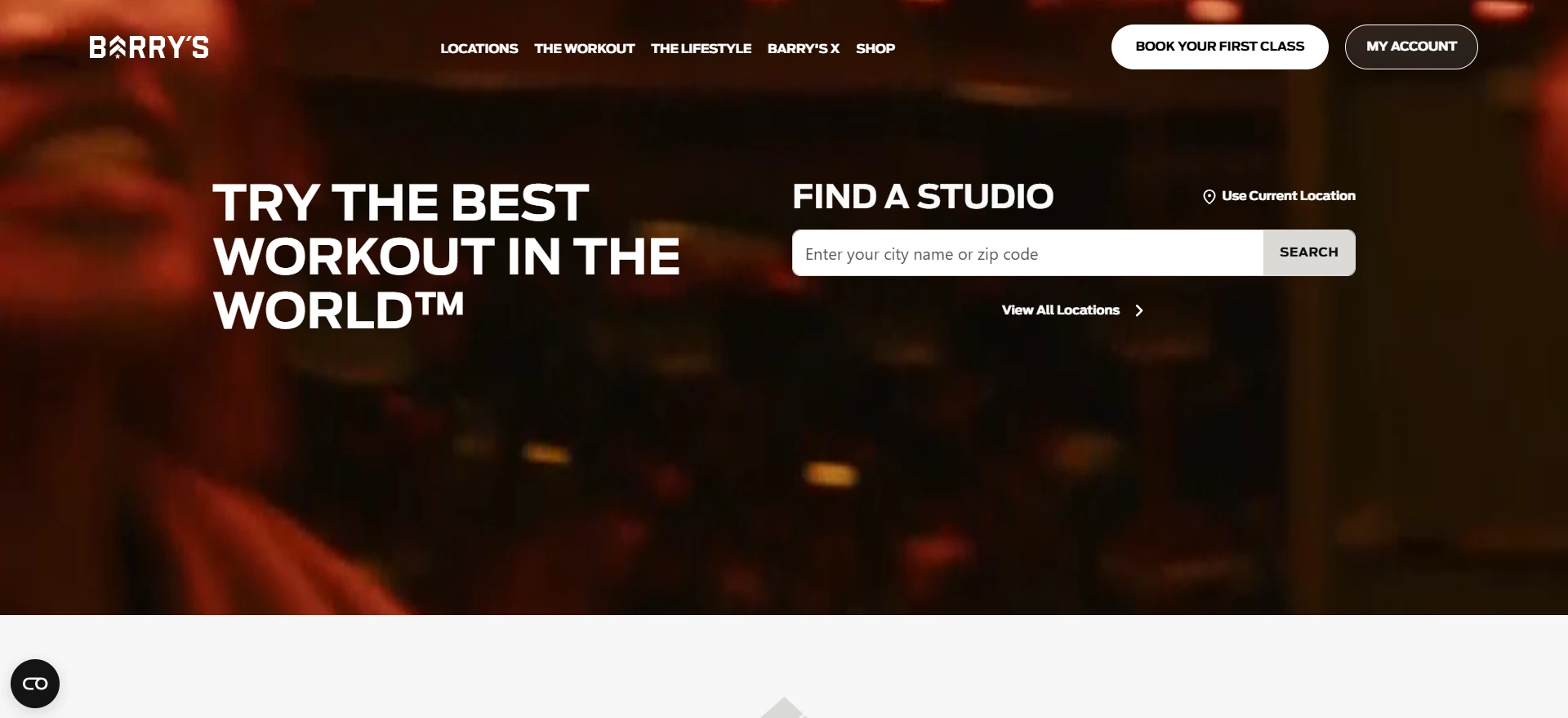
Barry’s homepage leads with “Try the best workout in the world™” and a “Book Your First Class” button that appears several times. Just as important, the site explains how a class works: you rotate between the treadmill (“Run”) and the floor (“Lift”), and there’s an option to stay on the floor if you don’t want to run.
The site also covers the practical details first-timers wonder about, like locker rooms with showers and towels, a fuel bar where you can pre-order a shake, and a reminder to tell your instructor if you’re new or injured.
What to borrow: Explain what happens in a class, minute by minute if you can. It takes the guesswork out of a first visit, which is often what holds people back.
2. Orangetheory Fitness
Website: orangetheory.com
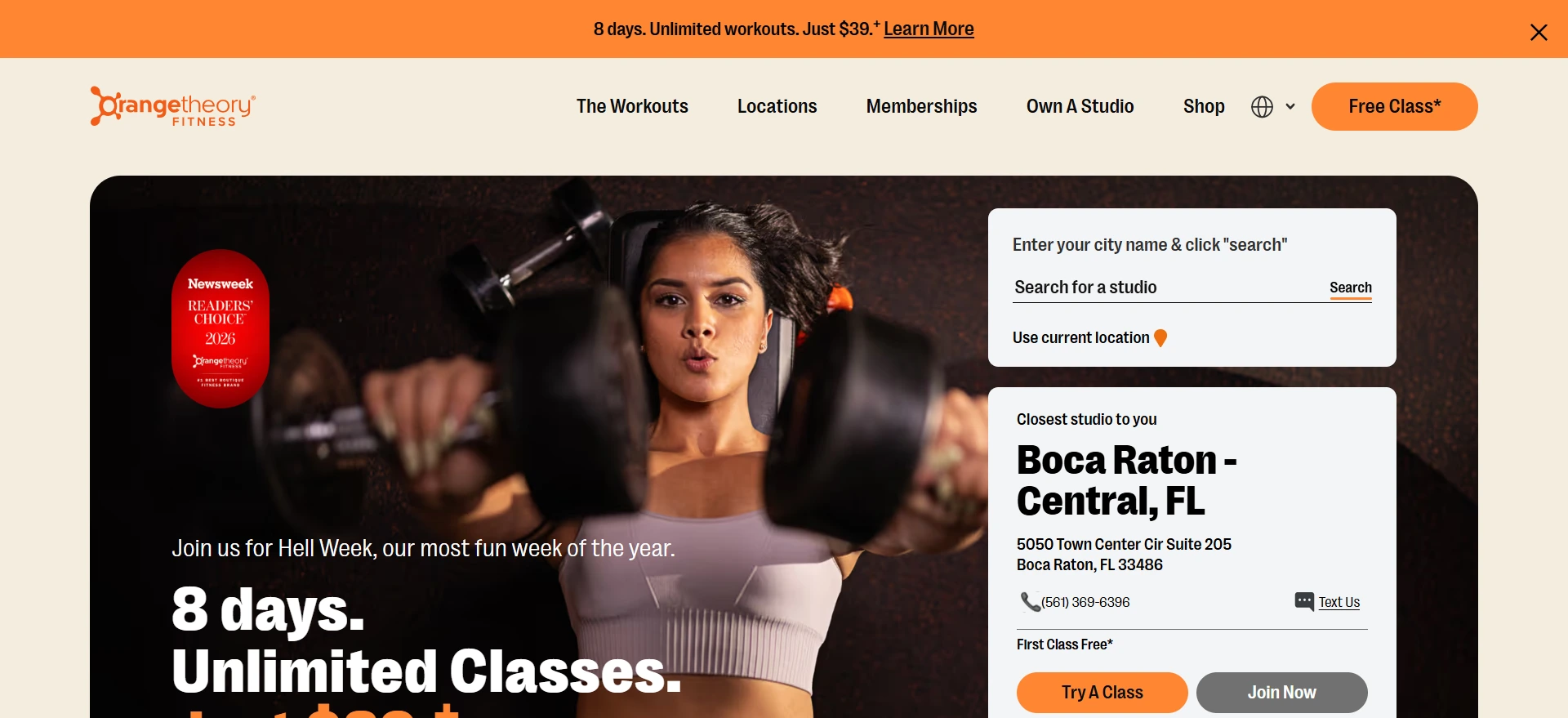
Orangetheory makes trying it out feel low-risk. The homepage invites visitors to “Get started with a free class,” and a “Book a Class Online” button sits in the header alongside app download badges.
The workout is explained in plain terms: strength and cardio combined, adjusted to your fitness level, with coaching that focuses on encouragement. A studio search helps people find their nearest location, and a short FAQ link is always visible.
What to borrow: Offer a free or low-cost first class, and make it the main button on your homepage. It gives curious visitors an easy, low-risk way to try you out.
3. Planet Fitness

Website: planetfitness.com
Planet Fitness opens with “a place where everyone feels welcome,” which speaks directly to people who feel intimidated by gyms. Two membership cards sit side by side, Classic and PF Black Card®, each with its price and what’s included, plus a “Compare Memberships” link and the fine print about fees.
Nearby clubs are listed with addresses and links to their plans, and the app is promoted with a useful feature: a crowd meter that shows when a club is less busy.
What to borrow: Keep membership choices simple. Two or three clear plans with a side-by-side comparison are easier to choose from than a long list of options.
4. PureGym
Website: puregym.com
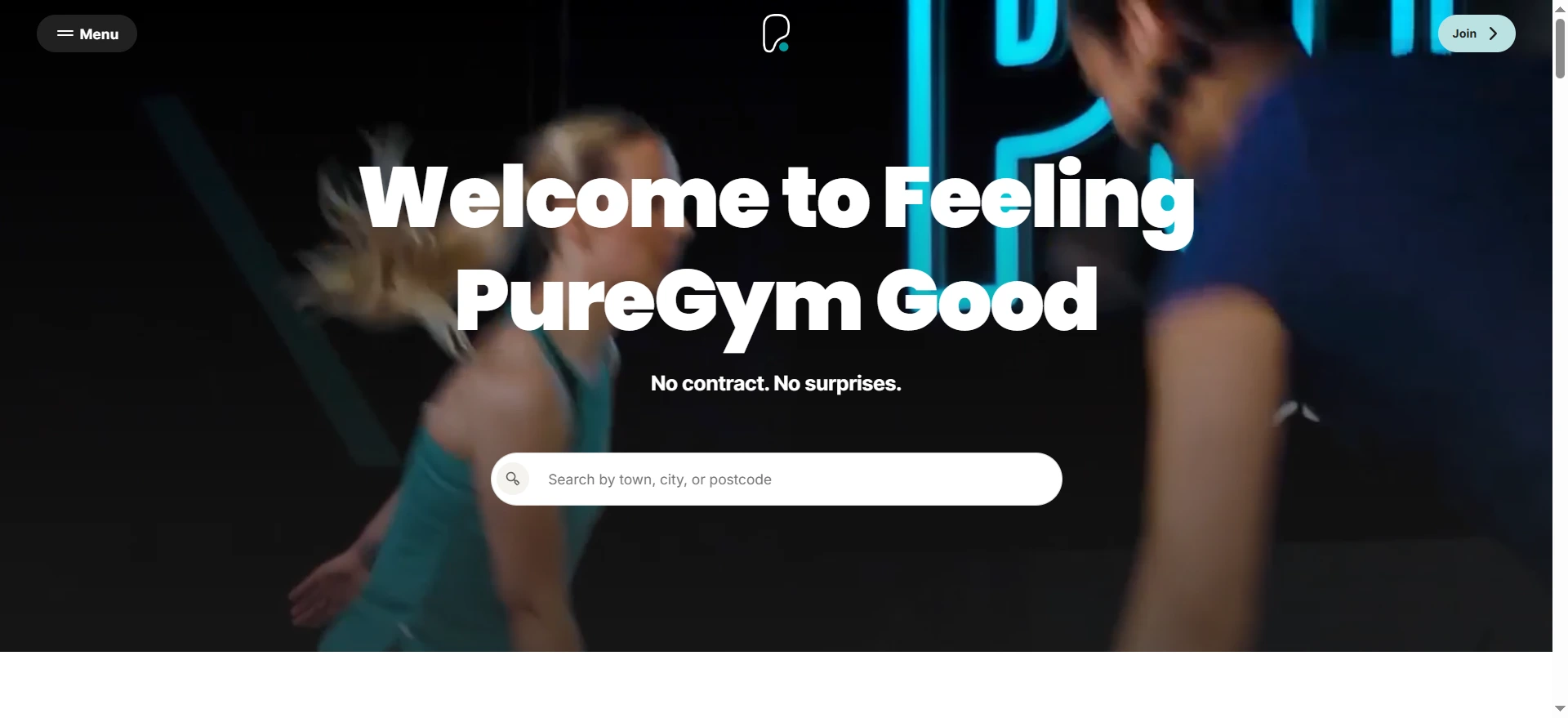
PureGym puts its biggest selling point right in the headline: “No contract. No surprises.” Membership plans are laid out clearly, each with a typical monthly price, a joining fee and exactly what’s included, such as access hours, class booking windows and guest passes.
A gym finder with a search box, city pages and a student offer section make it easy to find the right gym and plan. The site also notes that prices may differ by location.
What to borrow: If you don’t lock people into contracts, say so loudly. “Cancel any time” removes one of the biggest worries people have about joining a gym.
5. Third Space
Website: thirdspace.london
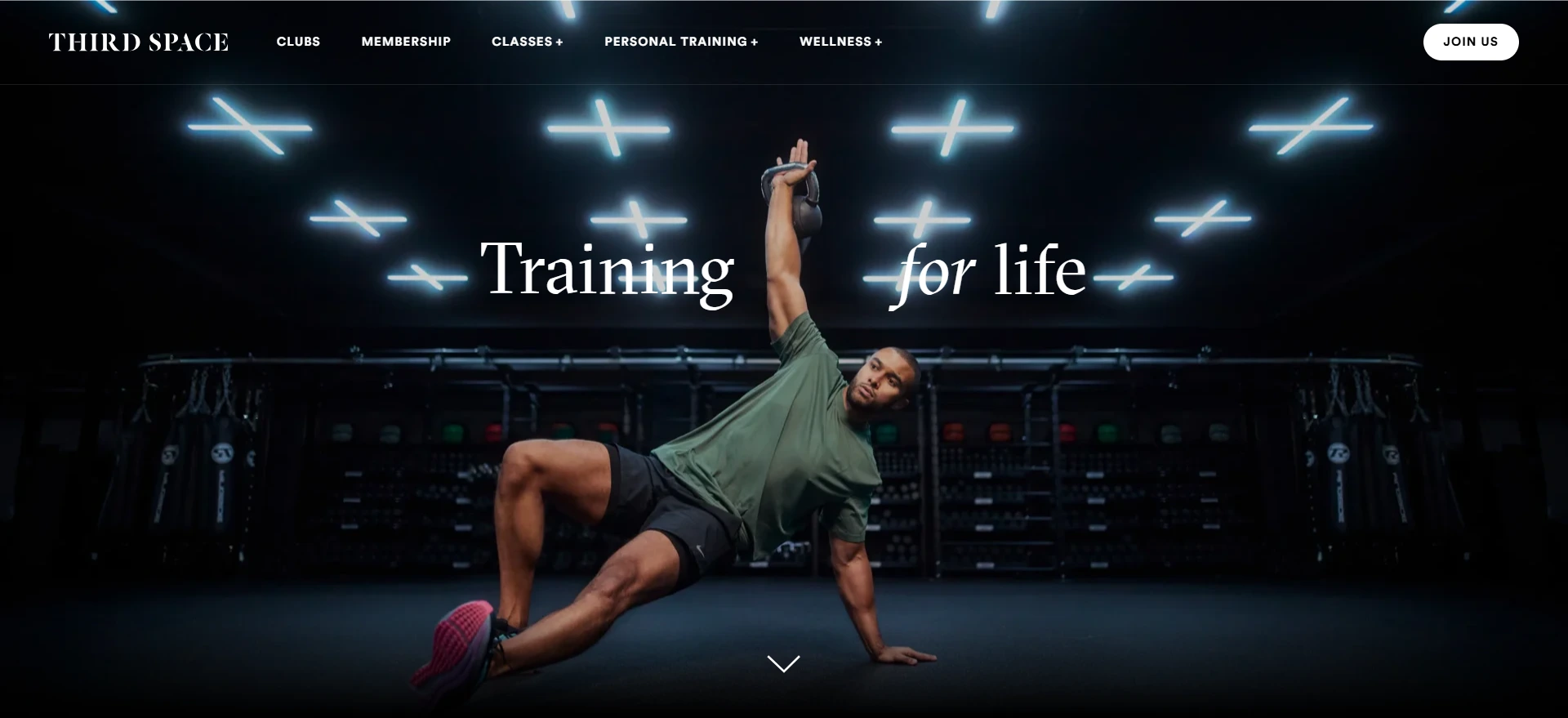
Third Space runs luxury health clubs in London, and its website sells the experience. The headline “Training for life” is followed by detailed sections on clubs, classes, personal training and wellness, including a recovery spa and sports medicine.
Every club is listed by name, facilities like pools, studios and combat zones are described, and the class section links to a full timetable. The main enquiry action is “Book a tour,” which suits a premium membership.
What to borrow: If you’re a premium gym, show the facilities in detail and invite people to book a tour. High-ticket memberships usually start with a visit, not an online checkout.
6. CorePower Yoga
Website: corepoweryoga.com
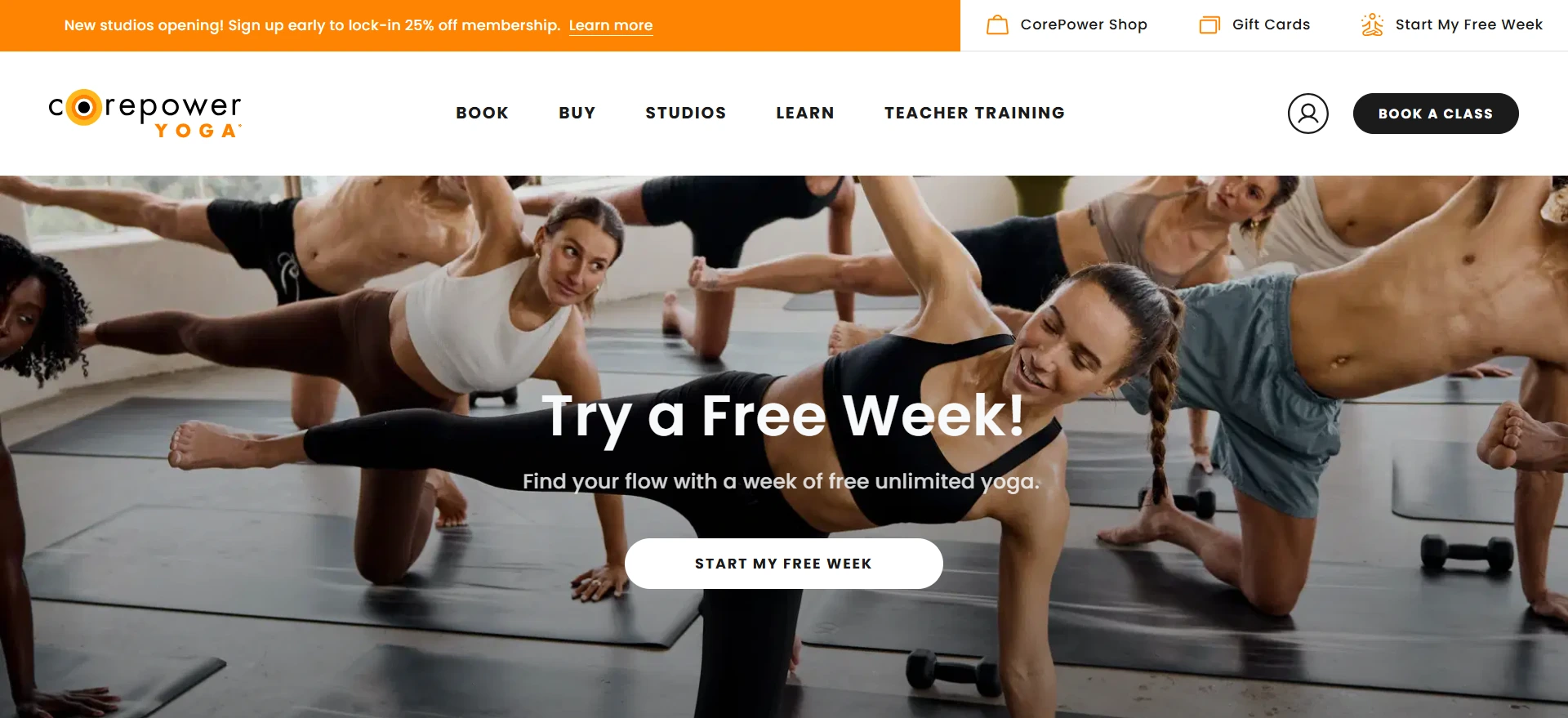
CorePower Yoga helps beginners find the right class with clear naming. Classes are labelled by intensity and style, such as CorePower 1 (“Fundamental Flow”), CorePower 2 (“Intense Flow”) and CoreRestore (“Restorative Stretching”), and each has its own booking button.
A free week offer leads the homepage, and the navigation is organised by what people want to do: book, buy, find a studio, learn or train as a teacher. Livestream and on-demand classes are offered alongside studio classes.
What to borrow: Label your classes by level and give each a short, plain description. “Fundamental” and “Intense” help people pick the right class without guessing.
7. [solidcore]
Website: solidcore.co
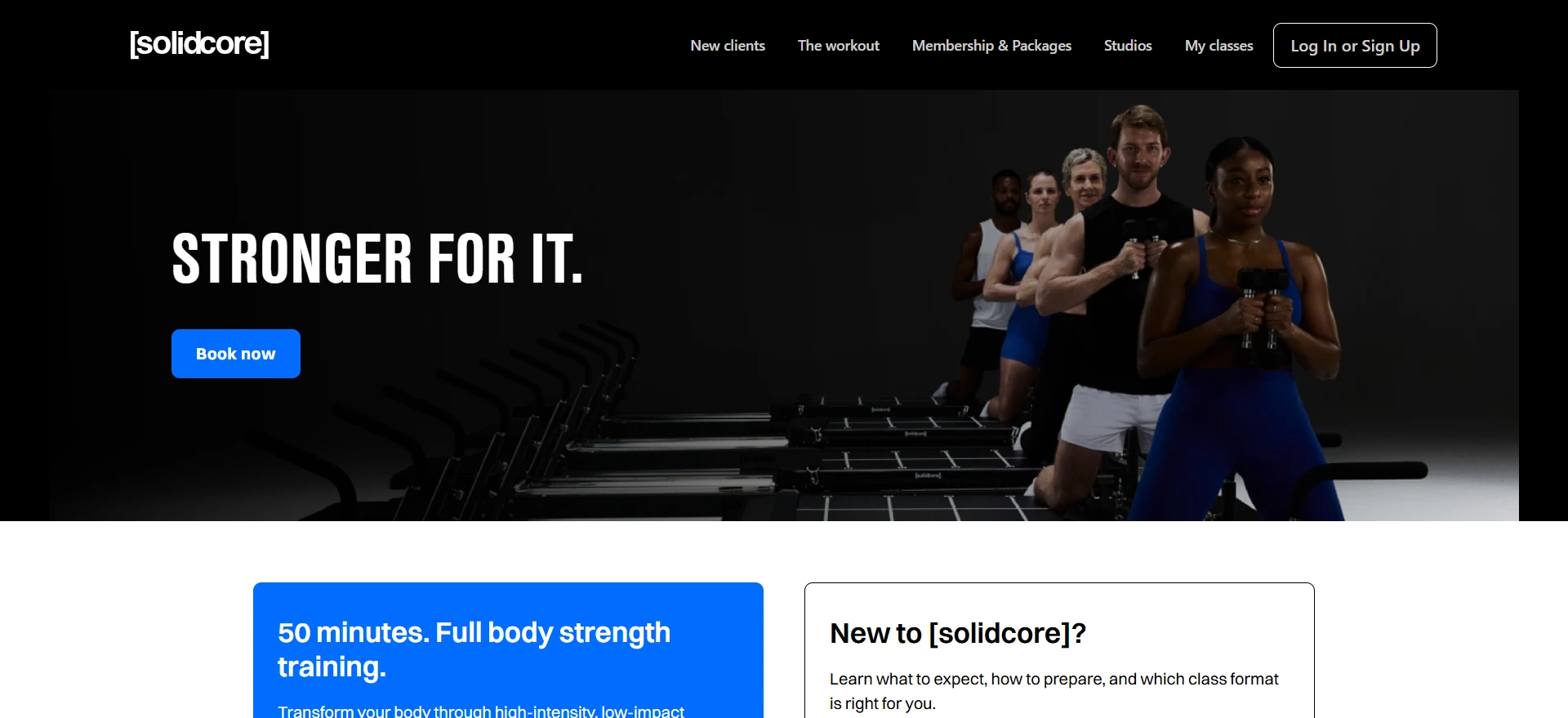
[solidcore]’s headline is short: “Stronger for it.” The main navigation includes “New clients,” which leads to a page explaining what to expect, how to prepare and which class format suits you.
The class itself is described in a few sentences: a 50-minute, low-impact, high-intensity workout on a Pilates-inspired reformer, with dimmed lights and upbeat music. A monthly muscle focus calendar gives regulars a reason to come back.
What to borrow: Put a “New here?” or “New clients” link in your main menu. First-timers have different questions from regulars, so give them their own starting point.
8. F45 Training
Website: f45training.com
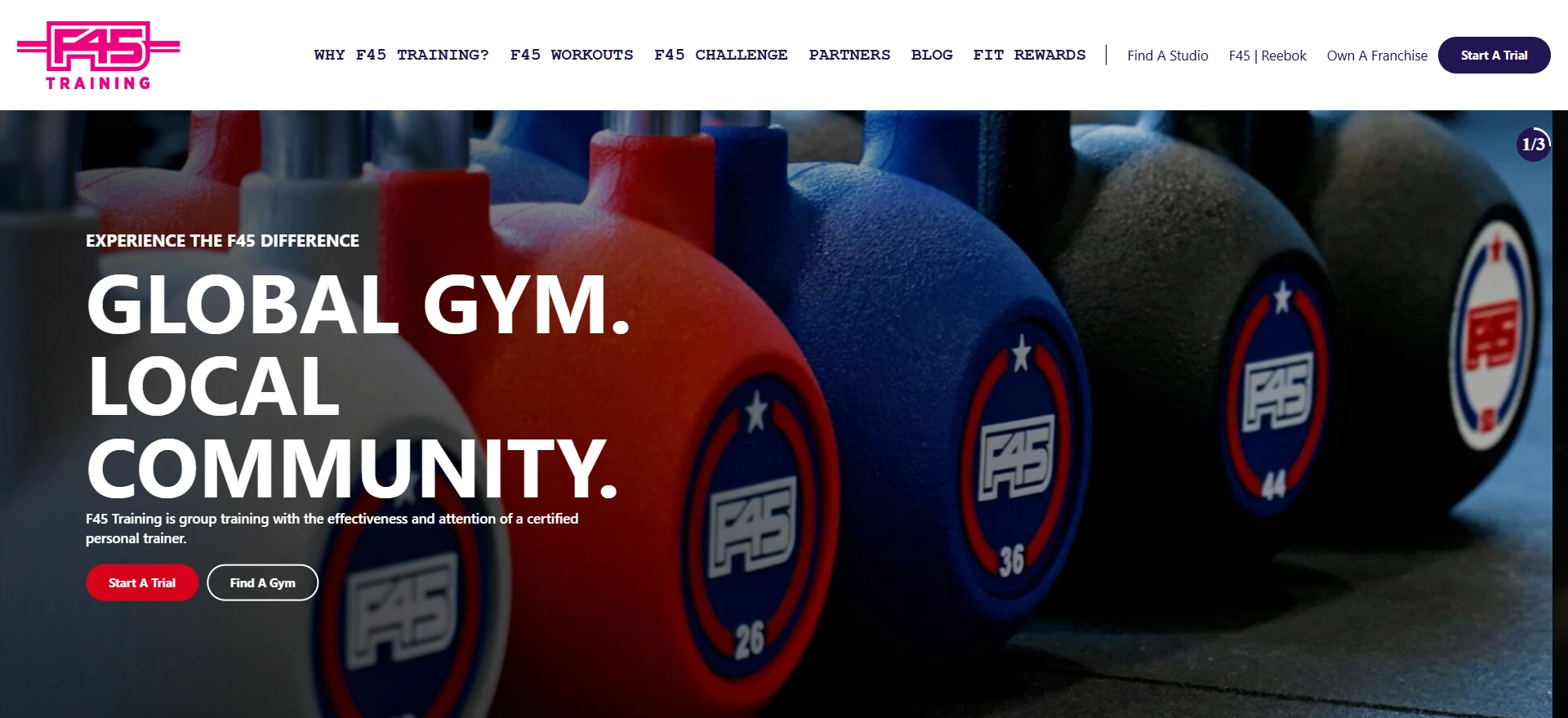
F45’s headline, “Global Gym. Local Community.”, captures the balance most franchise websites need. The top bar gives visitors quick links to their local studio’s details, class schedule, booking and trial, so the local experience is never more than a click away.
Workout types are listed in the main menu, the format is explained (a 45-minute class combining HIIT, circuit and functional training), and a studio finder covers many countries. The site also notes that memberships may be HSA/FSA eligible.
What to borrow: If you run several locations, put local actions, such as schedule, booking and studio details, at the top of every page. Members care about their studio, not the brand as a whole.
9. SoulCycle
Website: soul-cycle.com
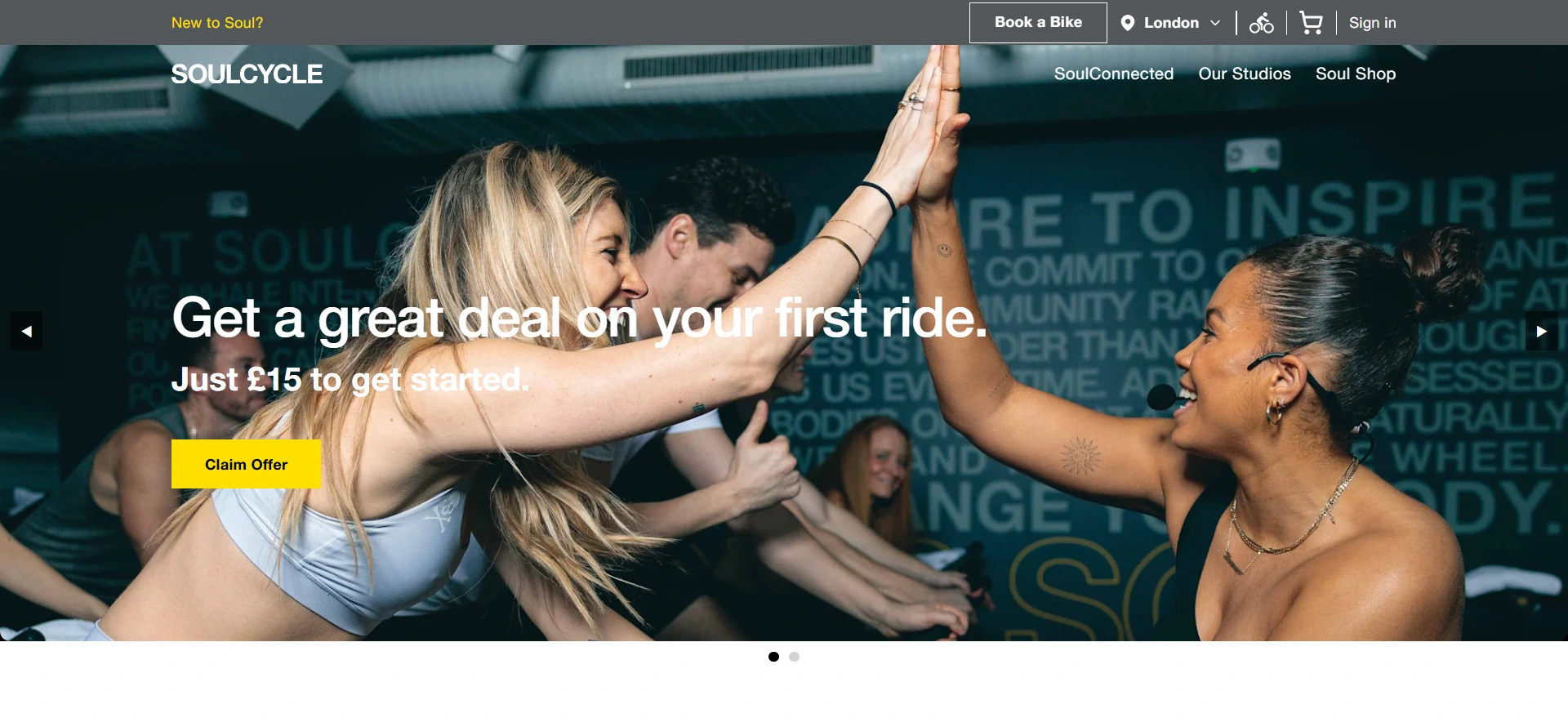
SoulCycle’s homepage invites visitors to “Book a Bike” and highlights offers for first-time riders. The experience is explained in three points: ride to the beat, challenge your mind and find your community.
A section of beginner articles answers questions like whether SoulCycle is good for beginners, and the answer is reassuring: no experience needed. Studios can be found by region, and the site also promotes an at-home bike and an app.
What to borrow: Write a few short articles for beginners. “Is this class good for beginners?” is a real search, and answering it honestly helps people take the first step.
10. Gymbox
Website: gymbox.com
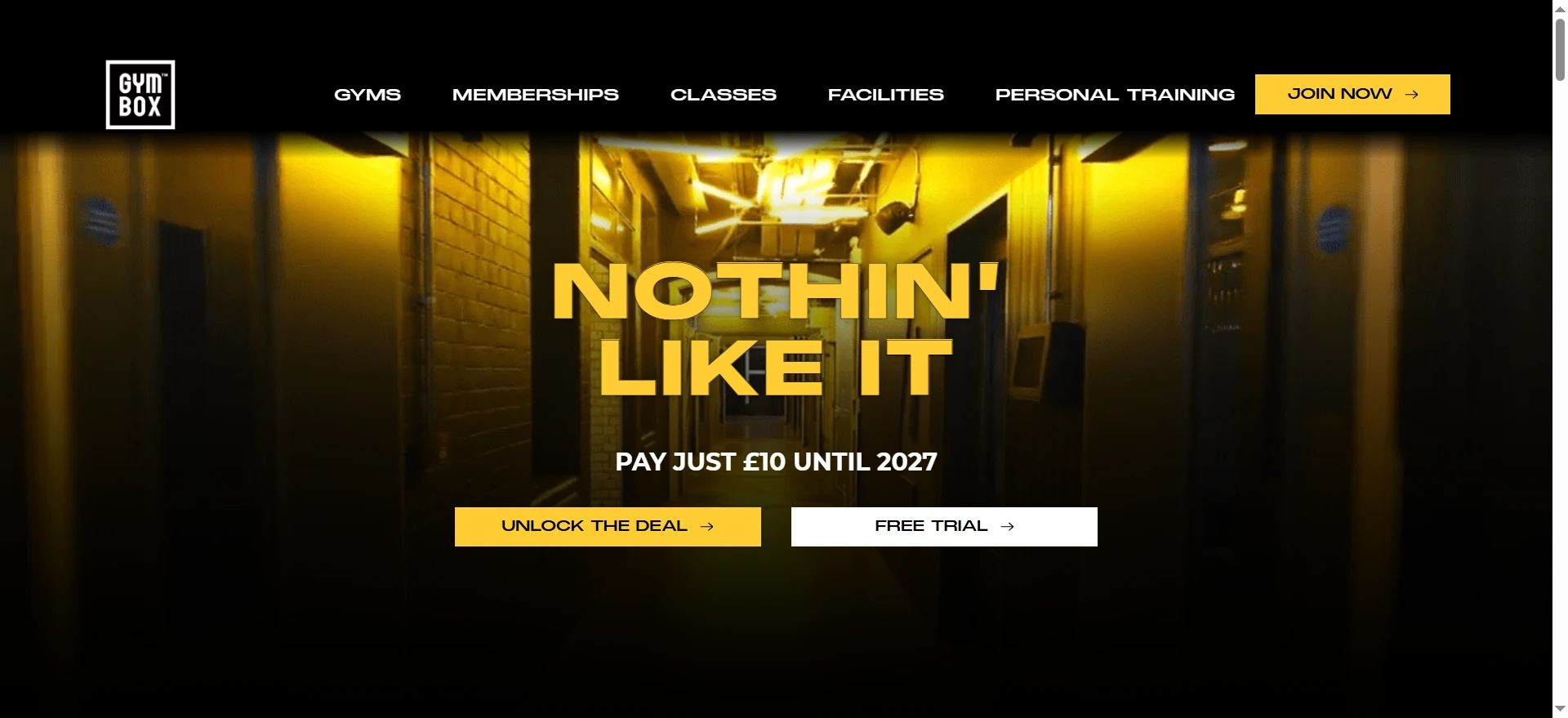
Gymbox calls itself London’s most creative gym, and its class offering is organised into clear categories: Aerial, Fight, Ride, Strength, Holistic, Rhythm and Sweat. Each category links to a filtered timetable, so people can jump straight to the classes they like.
All ten London gyms are listed, and “Join Now” and “free trial” buttons sit at the top. An FAQ explains membership options and contract lengths.
What to borrow: If you offer lots of classes, group them into a few categories with filtered timetables. Seventy classes in one list is overwhelming; seven categories is easy to scan.
What every gym website needs
Across these 10 sites, the same basics come up again and again:
- A clear first step. A free class, trial or tour offer, with one obvious button.
- Simple membership options. Two or three plans, compared side by side, with prices and what’s included.
- Honest terms. Contract length, joining fees and how to cancel, explained in plain language.
- A beginner’s guide. What to expect, what to bring and which class to try first.
- Online class booking and schedules. Live timetables connected to your booking software.
- Real photos of your space and coaches. Show the equipment, studios and people members will meet.
- Local business schema. Structured data for each location (ExerciseGym and HealthClub are schema.org types) helps search engines understand your hours and address.
Looking for more inspiration? See our lists of the best salon websites and the best dental websites for other local businesses built around bookings.
How much does a gym website cost?
It depends on what you need. A single studio with a class schedule, pricing, coach profiles and a booking link is a much smaller project than a multi-location gym with location pages, membership sign-up and integrations with your gym management software.
If you’re planning a new gym or fitness studio website, tell us about your project and we’ll give you a clear, fixed-price quote.
Frequently asked questions
What should a gym website include?
A clear first-visit offer, membership options with prices, a class schedule with online booking, coach profiles, photos of your space, your location and hours, and a page for beginners.
Should a gym show membership prices on its website?
Yes, where possible. Even “from” prices help people decide. If prices vary by location, say so and show the price on each location page.
Can I connect my booking software to my gym website?
Usually, yes. Most gym and studio management platforms offer booking widgets or links that can be added to your schedule, class and coach pages.
How can a gym get more members from Google?
Keep your Google Business Profile updated with photos, hours and classes, ask members for reviews, create a page for each location, publish helpful content for beginners, and add local business schema to your website.
Planning a gym or studio website? PosySites designs and builds WordPress websites for gyms and fitness studios, with local SEO built in from the start. Start a project.
