

A salon website has one main job: turn “I need an appointment” into a booked slot, ideally in under a minute. Along the way it has to answer a few questions. What services do you offer? How much will it cost? Who will do my hair, nails or skin? Can I get in this week?
We looked at hair salons, barbershops, blow-dry bars, facial studios, waxing salons and nail studios in the US and UK, and picked 10 websites that make booking easy and still feel like the brand. For each one, we point out the specific idea worth borrowing for your own salon website.
At a glance
| Salon | Type | What to borrow |
|---|---|---|
| Hershesons | Hair salons, London | Stylist profiles and a separate blow-dry menu |
| Great Clips | Hair salon chain, USA | Online check-in and saved haircut notes |
| Glowbar | Facial studios, USA | One simple, flat price |
| Heyday | Facial studios, USA | Membership benefits spelled out |
| Rudy’s Barbershop | Barbershops, USA | A tiny menu and clear booking policy |
| TONI&GUY | Hair salons, worldwide | A salon finder plus an academy |
| Hello Sugar | Waxing and laser salons, USA | A booking button on every service |
| European Wax Center | Waxing centers, USA | A dedicated first-visit page |
| Chillhouse | Nail studio and spa, New York | One flagship studio, clearly presented |
| Blo Blow Dry Bar | Blow-dry bars, North America | A look book that sells the result |
1. Hershesons

Website: hershesons.com
Hershesons runs hair salons in London and sells its own styling products, and the homepage headline, “Great Hair Made Easy,” covers both. Two clear buttons sit side by side: “Shop Now” and “Book Now.”
Each salon (Belgravia, Fitzrovia and Selfridges London) has its own page, and a “Meet The Experts” section introduces stylists by name. The blow-dry bar has its own menu, separate from cuts and colour, so quick appointments are easy to find.
What to borrow: Introduce your stylists with photos and specialities. Many clients choose a person, not just a salon.
2. Great Clips
Website: greatclips.com
Great Clips’ headline is “Get in. Get out. Look GREAT®,” and the website is built around that promise. The main button is “Check in,” which lets customers join a salon’s waitlist from anywhere through Online Check-In.
A feature called Clip Notes saves a customer’s haircut preferences, so a stylist at any location can repeat the same cut. Services are organised by who they’re for (men, women, kids and seniors), and a look book offers haircut ideas.
What to borrow: If you take walk-ins, let people join the queue online. And if you can, save client preferences so returning customers don’t have to explain their cut every time.
3. Glowbar
Website: glowbar.com
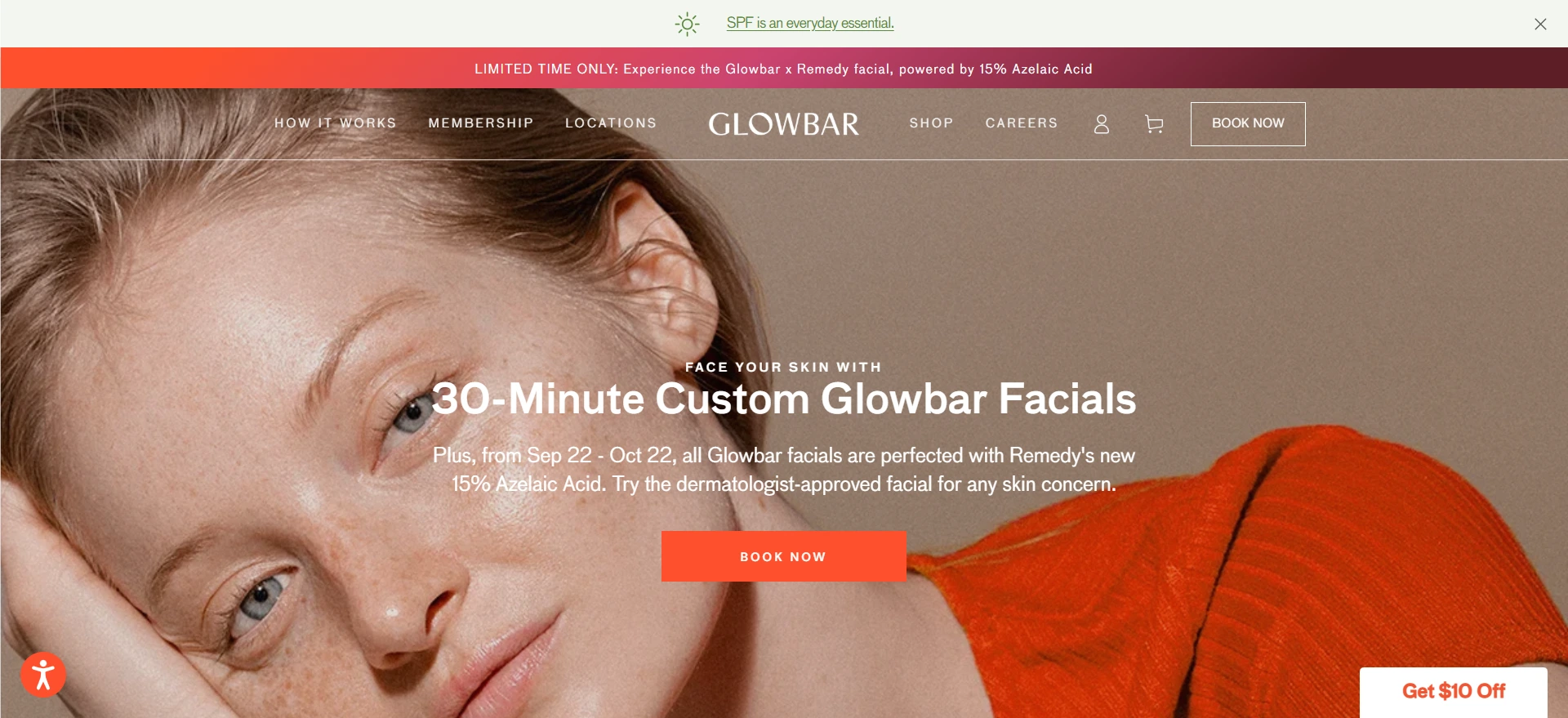
Glowbar’s headline is clear: “Expert facials in just 30 minutes.” The pricing is just as simple. The site explains one flat price for members and one for non-members, with “no add-ons ever.”
Membership tiers (monthly, twice monthly and student) have their own menu, a studio finder lists locations, and upcoming studios have waitlists. “Book Now” appears throughout the page.
What to borrow: If your pricing is simple, make it a selling point. A flat, upfront price removes the biggest worry people have about booking a beauty service.
4. Heyday
Website: heydayskincare.com
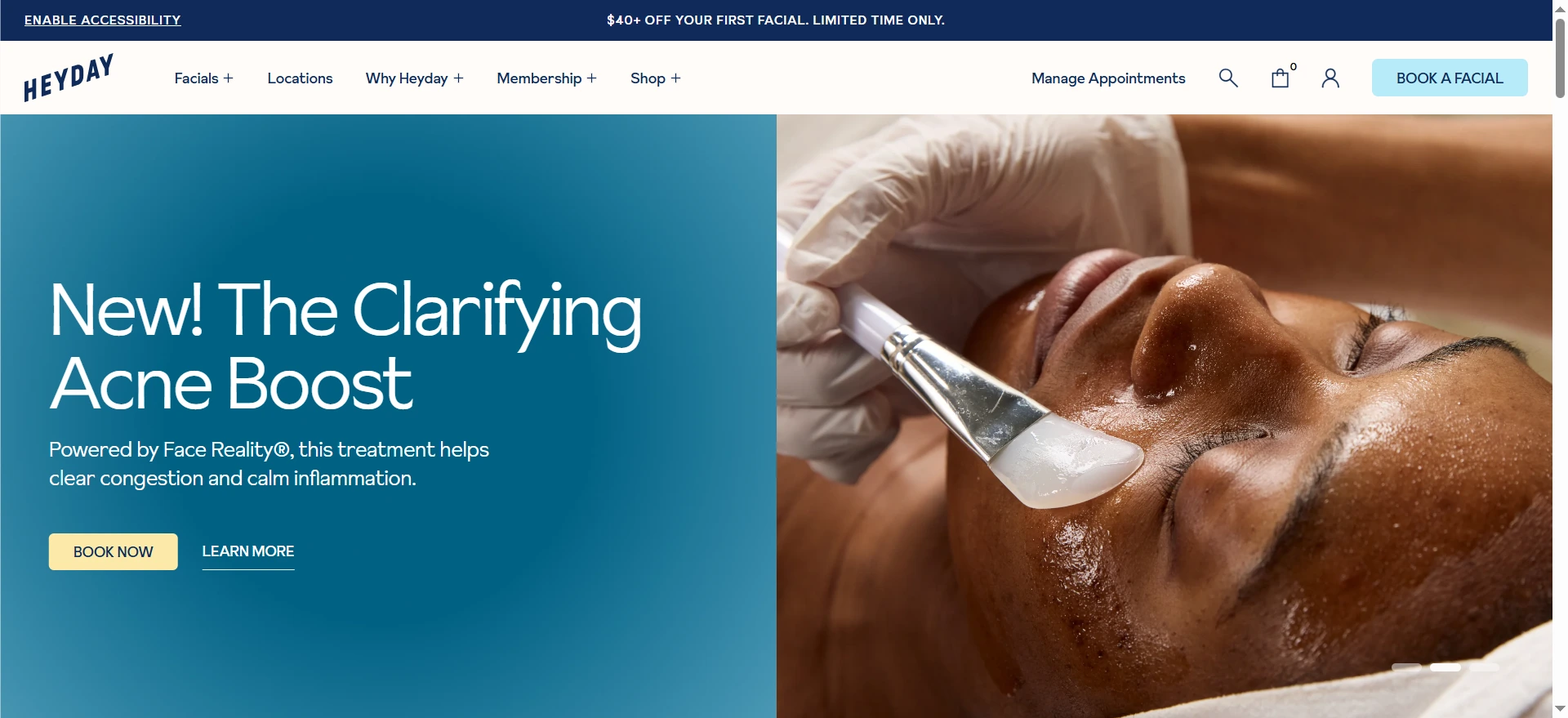
Heyday is a facial studio brand, and its homepage leads with an offer for first-time guests and a clear “Book a Facial” button. Each facial type (from the Essential Facial to laser and microneedling options) has its own page.
The membership section lists exactly what members get, such as discounts on facials, enhancements and products. The site is also honest that “pricing varies by studio,” and an “Our Estheticians” page puts the team front and centre.
What to borrow: If you sell memberships, list every benefit in plain words. Clients sign up when they can see exactly what they get each month.
5. Rudy’s Barbershop

Website: rudysbarbershop.com
Rudy’s keeps things refreshingly simple. The navigation has just three items (Book Now, Products and Careers), and a background video of barbers at work sets the mood.
The services section explains what’s included in a haircut, such as shampoo, scalp massage and a hot towel, and lists extras like beard trims. A short line sets expectations: walk-ins are welcome, but booking is preferred. Locations are grouped by state.
What to borrow: Tell clients what’s included in each service. “Includes shampoo and hot towel” makes a basic haircut feel like more than a basic haircut.
6. TONI&GUY
Website: toniandguy.com
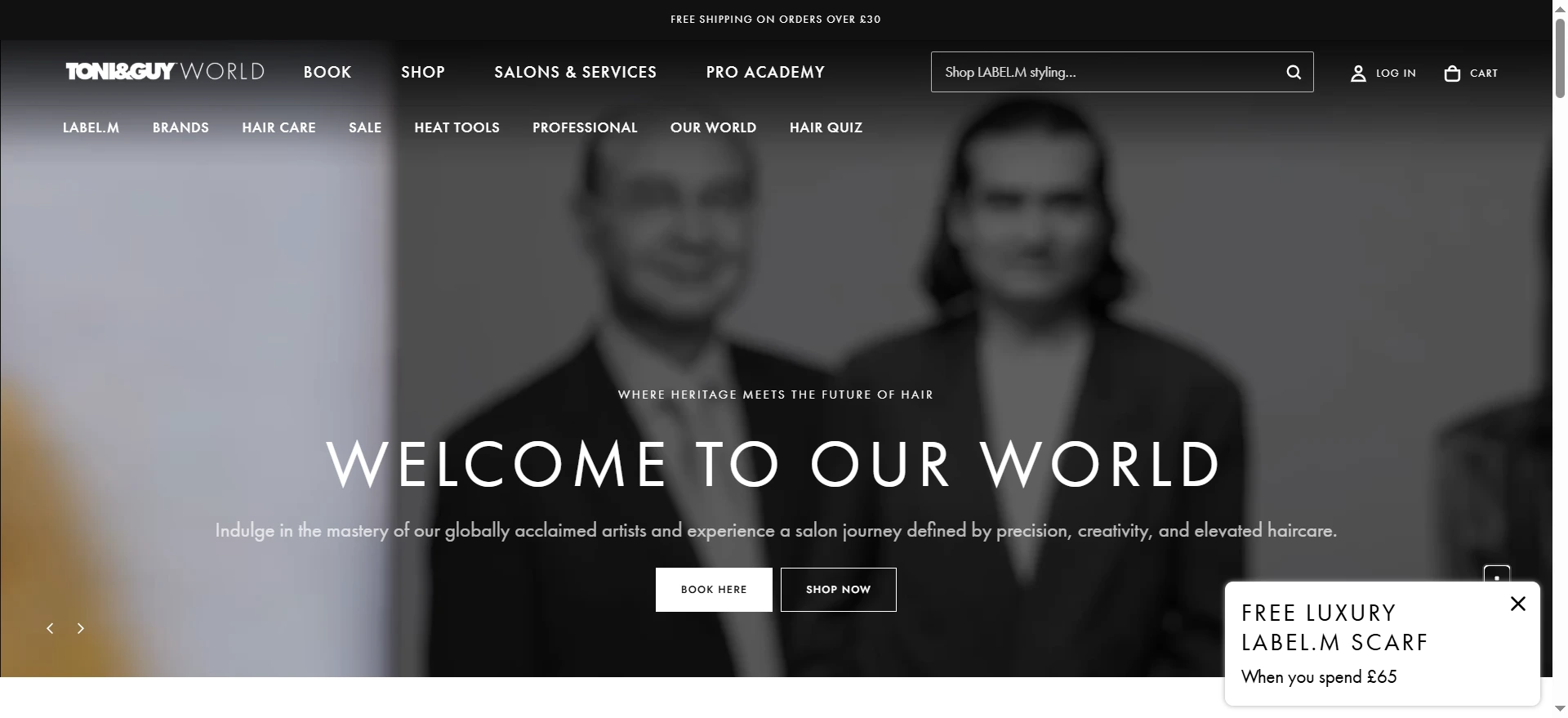
TONI&GUY has hundreds of salons worldwide, so “Book here” leads straight to a salon finder. The “Salon & Services” menu covers services, salons, experts and products, while a separate “Pro Academy” section covers education.
The academy pages invite visitors to learn, work or model for the brand, which turns the website into a recruiting tool as well as a booking tool. A hair quiz and a journal add content beyond appointments.
What to borrow: If you train stylists, hire often or need models for classes, give those audiences their own section. Your website can help you hire as well as book clients.
7. Hello Sugar
Website: hellosugar.salon
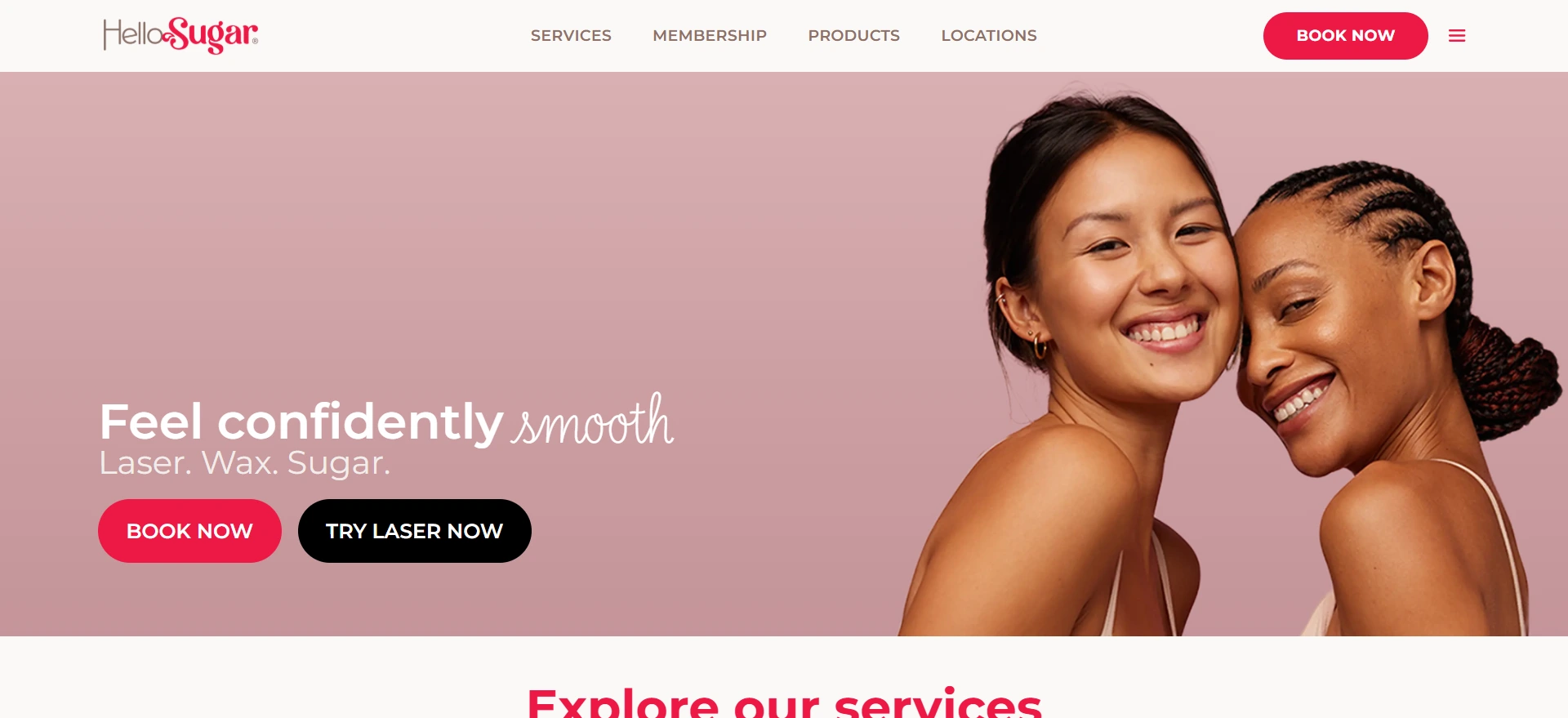
Hello Sugar offers waxing, sugaring and laser hair removal, and its headline sums it up: “Laser. Wax. Sugar.” Each service on the homepage, from brows to Brazilian, has its own booking button, so there’s always a next step.
The membership section explains savings and says members can freeze or cancel at any time, and a homepage FAQ answers questions about appointment length, laser treatments and billing.
What to borrow: Put a booking button next to every service. Don’t make clients scroll back to the top or hunt for a “Book” link in the menu.
8. European Wax Center
Website: waxcenter.com
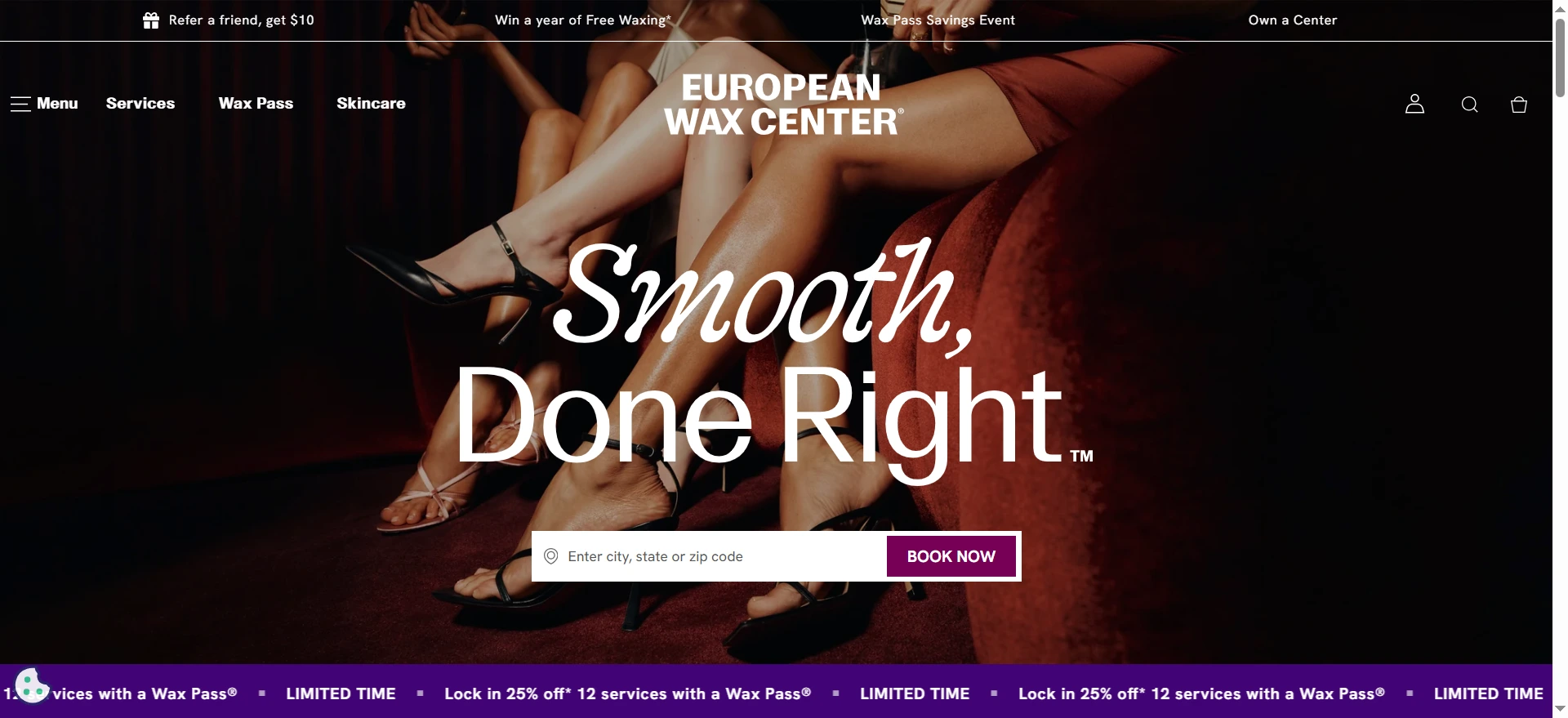
European Wax Center’s navigation includes a “First Visit” page, which is perfect for a service many people feel nervous about trying for the first time. The homepage also highlights a first-visit offer for new guests.
Services are listed by area, a center finder helps people find their nearest location, and the Wax Pass explains how regulars can save by booking a series of services. “Book Now” sits in the header and hero.
What to borrow: Create a first-visit page that explains what to expect, how to prepare and how long it takes. It reassures new clients and cuts down on questions at the front desk.
9. Chillhouse
Website: chillhouse.com
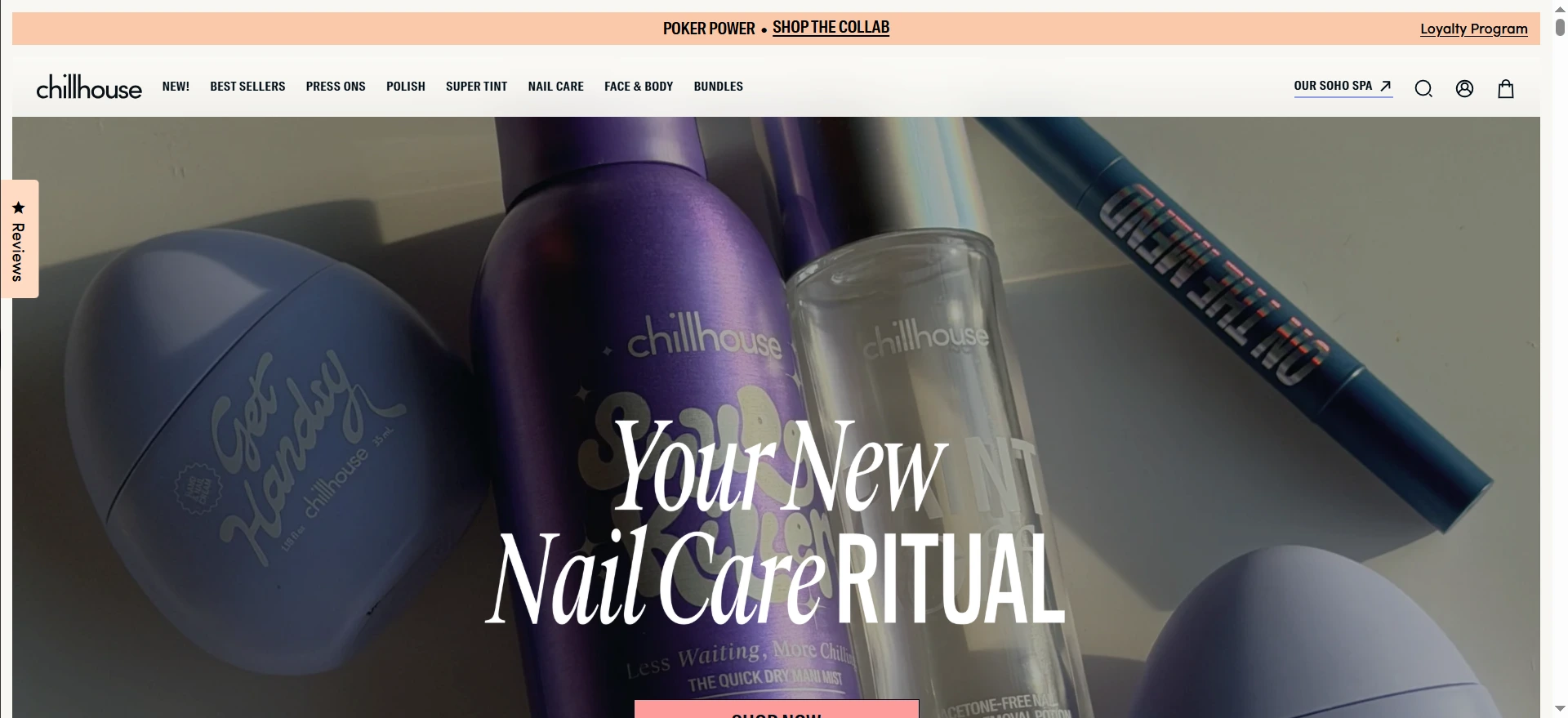
Chillhouse began as a nail studio and spa in SoHo and has grown into a nail product brand. The website is mostly a shop, but the flagship studio still gets its own clear section, with the address and a “Book Now” button for nail art, massages and facials.
The brand voice (“Be Yourself, Find Your Chill”) runs through the whole site, and a loyalty program rewards repeat customers.
What to borrow: If you sell products as well as services, keep booking easy to find. A dedicated studio section with the address and a booking button stops service clients from getting lost in the shop.
10. Blo Blow Dry Bar
Website: blomedry.com
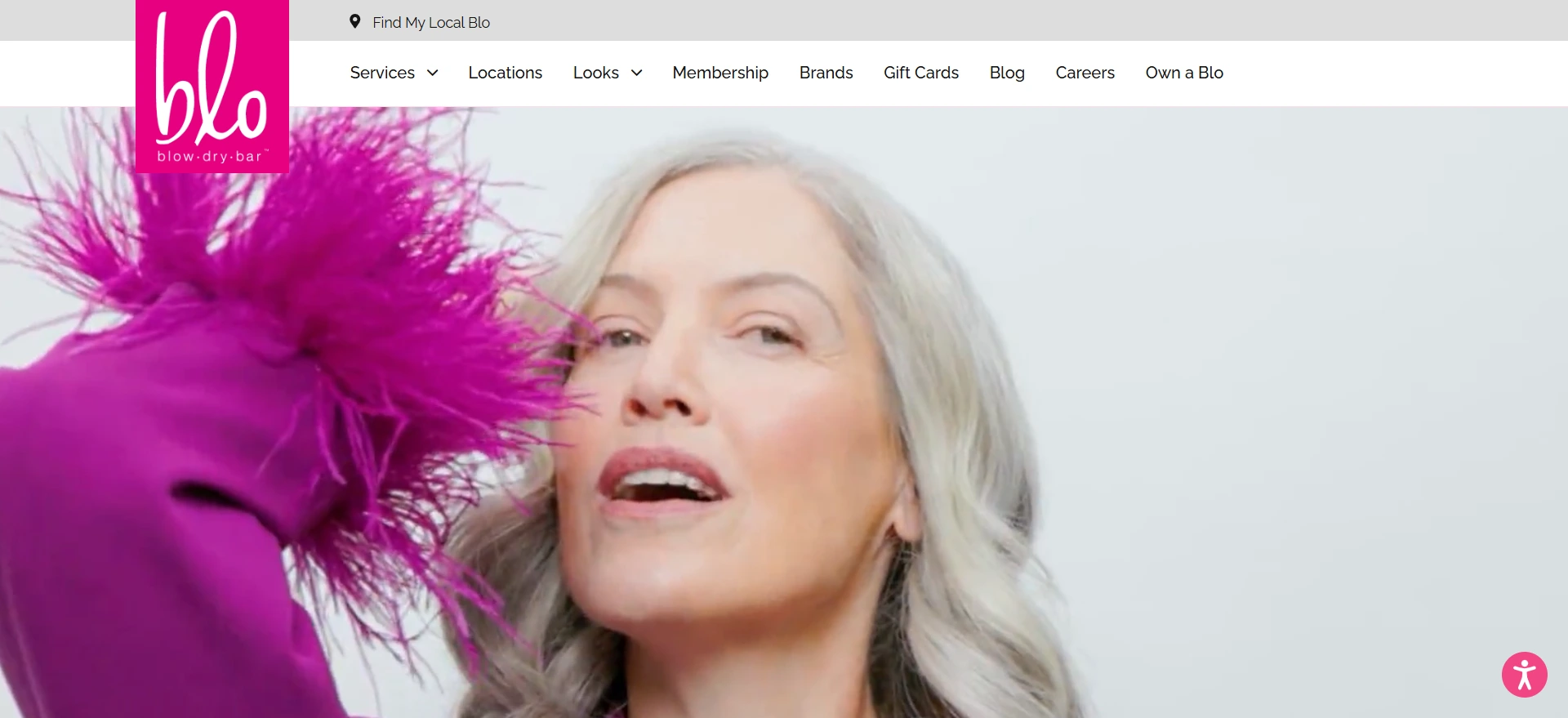
Blo Blow Dry Bar’s website sells the result, not just the service. A Look Book shows finished styles in named galleries, so clients can pick the look they want before they book.
Services are organised by occasion, including in-bar appointments, on-the-go styling, bridal and parties, and a location finder helps clients find their nearest bar.
What to borrow: Show the finished look. A gallery of real results, named and grouped by style, helps clients choose and gives them something to show their stylist.
What every salon website needs
Across these 10 sites, the same basics come up again and again:
- Online booking everywhere. Put a booking button in the header and next to every service.
- A clear service menu with prices. Show prices, or at least “from” prices, so clients aren’t afraid to book.
- Stylist or therapist profiles. Photos, specialities and booking links for each team member.
- A gallery of real work. Before-and-after photos and finished looks sell your skills better than stock photos.
- Policies up front. Cancellations, deposits, lateness and walk-ins should be easy to find.
- Location details and hours. Keep your address, phone number and hours consistent with your Google Business Profile.
- Local business schema. Structured data for your salon (HairSalon, NailSalon and BeautySalon are schema.org types) helps search engines understand your services and location.
Looking for more inspiration? See our list of the best dental websites for another local service business that lives or dies by online booking.
How much does a salon website cost?
It depends on what you need. A single salon with a service menu, team profiles, a gallery and a link to your booking software is a much smaller project than a multi-location brand with memberships, an online shop and location pages. Connecting your existing booking system, such as Fresha, Vagaro, Booksy or Zenoti, is usually straightforward.
If you’re planning a new salon website or a redesign, tell us about your project and we’ll give you a clear, fixed-price quote.
Frequently asked questions
What should a salon website include?
Online booking, a service menu with prices, team profiles, a gallery of your work, your policies, and your location and hours. If you sell products, add a shop, but keep booking easy to find.
Can I connect my booking software to my website?
Usually, yes. Most salon booking platforms provide a booking link or widget that can be added to your website’s header, service pages and team profiles.
Should a salon show prices on its website?
Yes, where possible. Even “from” prices help clients decide and reduce enquiries that go nowhere. If prices vary by stylist level or hair length, explain how pricing works.
How can a salon get more bookings from Google?
Keep your Google Business Profile updated with photos, services and hours, ask happy clients for reviews, add a booking link to your profile, create a page for each location, and use local business schema on your website.
Planning a salon website? PosySites designs and builds WordPress websites for salons and beauty businesses, with local SEO built in from the start. Start a project.
